View Past Tweets on Google Maps
October 3rd, 2019 · 1 min read
I wanted to view my past tweets on Google Maps just for fun. Unfortunately there’s no easy way to do it (all 1-click services are gone).
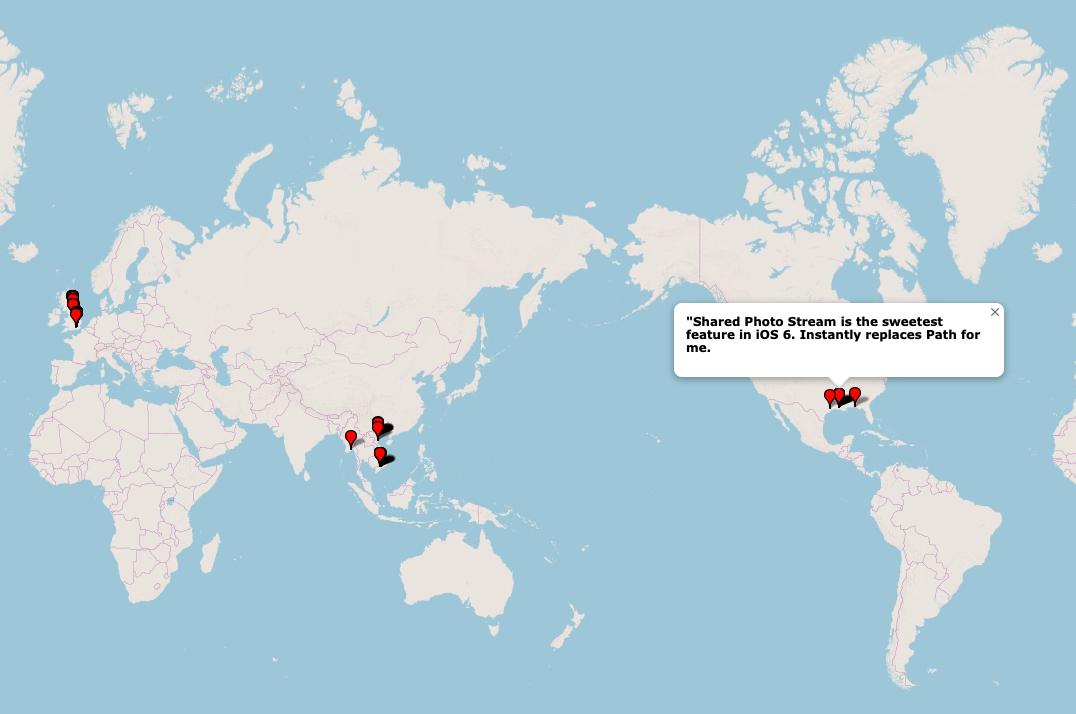
Download all my tweets from Download your Twitter data: Download your Twitter data
Unpack the ZIP file and open tweet.js
Remove the variable assignment part
Run this: jq command
You’ll need jq installed.
- Import the CSV into GPS Visualizer
The command from the linked gist:
jq -r '["latitude", "longitude", "elevation", "name"], (.[] | select(.retweeted == false) | select(.geo != null) | [.geo.coordinates[0], .geo.coordinates[1], 0, .full_text + "\n\n" + .created_at]) | @csv' tweet.js > tweet.csv